
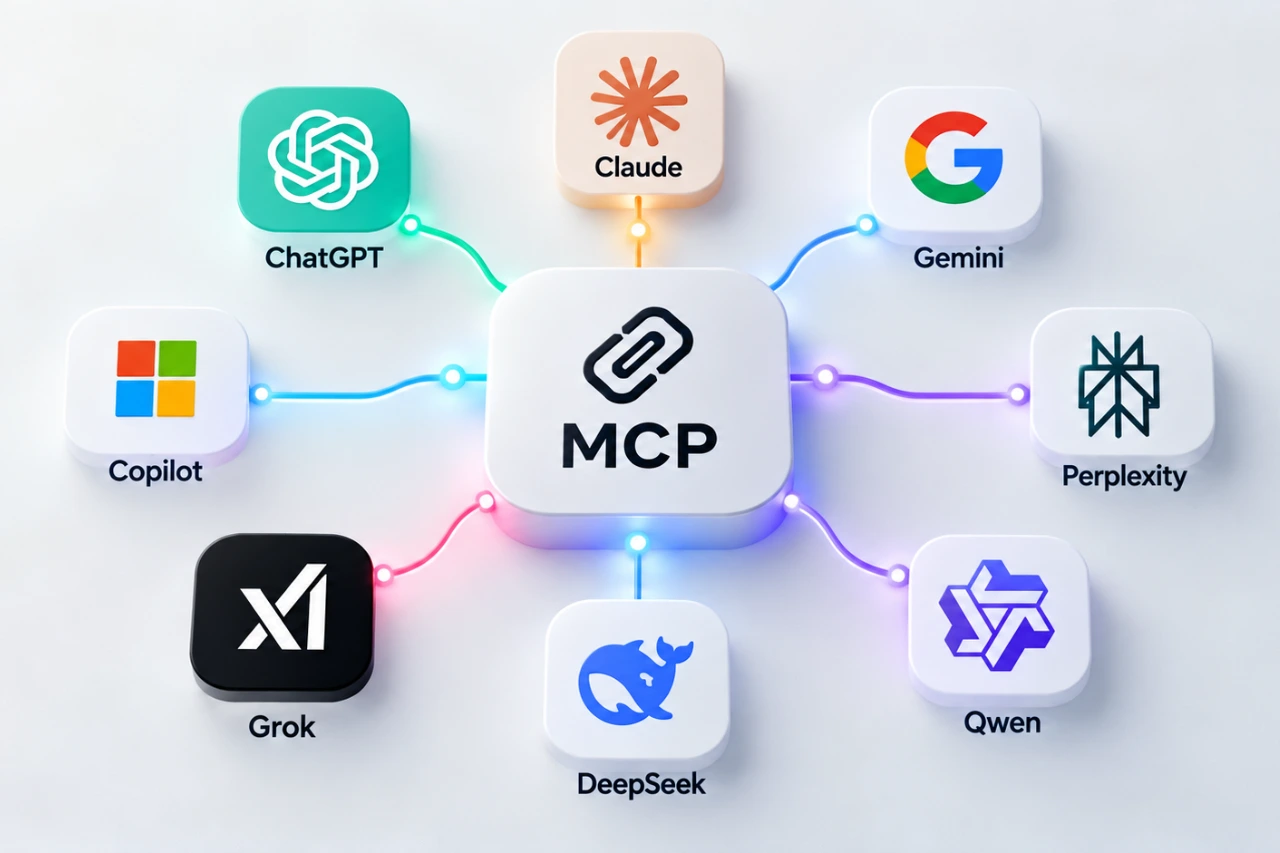
Which AI Tools Support MCP? ChatGPT, Claude, Gemini, Copilot and More
Research checked: October 6, 2026. MCP support is changing quickly. The features, plans and limitations described below reflect what we could verify on this date and may change later.
Which AI tools support MCP today? Model Context Protocol (MCP) is spreading quickly across AI products, but a simple “yes” can mean very different things. If MCP itself is new to you, start with our beginner’s guide to Model Context Protocol.
For one assistant, MCP may mean that an ordinary user can paste a server URL into a web interface. For another, it may mean installing a command-line tool and editing configuration. For another, MCP may mainly exist inside an enterprise agent platform. And sometimes an AI model can be used inside somebody else’s MCP-compatible software even though its own consumer chat is not an MCP client.
So we tried something slightly different: we asked eight major AI assistants to describe their own MCP support, then checked the important claims against their companies’ current documentation.
What “supports MCP” actually means
Before comparing products, it helps to separate several questions that are often squeezed into one MCP checkmark. Can you use MCP in the normal consumer chat? Can you connect your own server? Is the server local or remote? Can the AI only read information, or can it take actions? Is the feature free? And can a beginner configure it without writing code?
Those distinctions matter. A platform can genuinely support MCP while still being impractical for a beginner who simply wants to experiment.
MCP support comparison
Can I use MCP with this AI?
Want to try MCP yourself? Click an AI assistant’s name in the tables to open its official MCP documentation.
| AI assistant | Web | Mobile | Custom MCP | Free | No-code |
|---|---|---|---|---|---|
| ChatGPT | ✓* | ✕* | ✓* | ✕ | ✓* |
| Claude | ✓ | ✓* | ✓ | ✓* | ✓ |
| Gemini | ✓* | ✓* | ✓* | ✓* | ✓* |
| Microsoft Copilot | ✓* | ✓* | ✓* | ✕* | ✓* |
| Perplexity | ✓* | ✓* | ✓ | ✕ | ✓ |
| Grok | ✓ | ✓* | ✓ | ✓* | ✓ |
| DeepSeek | ✕ | ✕ | ✕ | ✕ | ✕ |
| Qwen | ✕* | ✕ | ✓* | ✕* | ✕* |
What kind of MCP does it support?
| AI assistant | Local | Remote | Read | Write/actions | CLI/API |
|---|---|---|---|---|---|
| ChatGPT | ✕* | ✓ | ✓ | ✓* | ✓ |
| Claude | ✓* | ✓ | ✓ | ✓ | ✓ |
| Gemini | ✓* | ✓ | ✓ | ✓* | ✓ |
| Microsoft Copilot | ✕* | ✓ | ✓ | ✓ | ✓ |
| Perplexity | ✓* | ✓ | ✓ | ✓ | ✓ |
| Grok | ✓* | ✓ | ✓ | ✓* | ✓ |
| DeepSeek | ✕ | ✕ | — | — | Third-party |
| Qwen | ✓* | ✓* | ✓ | ✓ | ✓ |
ChatGPT: powerful MCP, but plan and product matter
ChatGPT supports custom remote MCP servers, but its capabilities are not identical across plans. OpenAI’s current documentation distinguishes Pro access, which can use custom MCP for read/fetch scenarios, from fuller MCP support on Business and Enterprise/Edu, where write and modify actions can be available.
ChatGPT does not directly connect to a local stdio MCP server in the same way some desktop and CLI clients do. OpenAI instead documents remote servers and a secure tunnel approach for private or locally hosted infrastructure. Custom MCP apps are also not simply available everywhere ChatGPT runs.
This is a good example of why “ChatGPT supports MCP” is true but incomplete. A user’s plan, ChatGPT mode, the MCP server and the connected service can all affect what actually works.
Claude: one of the easiest places to experiment
Claude currently offers unusually broad MCP access. Anthropic documents custom remote connectors across Free, Pro, Max, Team and Enterprise plans. Free users can add one custom remote connector, making Claude one of the more accessible ways for a beginner to try MCP without first buying a higher-tier subscription.
Claude Desktop can also work with local MCP servers, while Claude Code provides a more technical command-line route. Depending on the tools exposed by a server and the permissions granted, Claude can both retrieve information and perform actions.
Gemini: consumer-friendly MCP with important restrictions
Google’s implementation is another interesting case. Gemini can connect a custom app through an MCP server URL from its consumer interface, and configured apps can be used from the Gemini web and mobile experiences. Actions that change data require confirmation.
However, availability is not universal. At the time of this research, Google documents restrictions including age, region, account type, language and activity settings for consumer custom apps. Gemini CLI is much more flexible technically and supports local stdio as well as remote MCP transports.
Microsoft Copilot: MCP is strongest in the agent ecosystem
Microsoft clearly supports MCP, particularly through Copilot Studio and Microsoft 365 agent extensibility. Users can connect remote MCP servers to agents, work with resources and tools, and build workflows capable of reading data or performing actions.
What we could not verify is a comparable feature that lets any ordinary free consumer Copilot user simply attach an arbitrary MCP server to a normal chat. For beginners, that distinction is important: Microsoft’s MCP story is currently much more closely tied to agents, organizations and its broader enterprise ecosystem.
Perplexity: capable custom connectors, but paid
Perplexity supports custom remote MCP connectors for paid users, including Pro, Max and Enterprise, and its macOS application supports local MCP through a helper component. Remote connectors can be configured through the interface without writing code.
There is a documentation wrinkle worth noting: an older Perplexity Help Center page still contains wording suggesting remote MCP was coming soon, while a newer 2026 product announcement confirms Bring Your Own Connector. We therefore used the newer product information for this comparison.
Grok: broader MCP support than you might expect
xAI documents custom MCP connectors through Grok’s connector interface. Users can add a remote server URL, while developers have additional MCP options through the API and Grok Build. Grok Build supports local stdio servers as well as remote HTTP MCP servers.
The main practical distinction is that consumer custom connectors use remotely reachable servers; local command-based MCP belongs to the developer-oriented Grok Build environment. Availability is broad, but specific usage quotas can still depend on the Grok plan and on the connected services.
DeepSeek: an MCP participant is not necessarily an MCP client
DeepSeek gave perhaps the cleanest “no” in our experiment. We could not verify native support in DeepSeek’s normal consumer chat for connecting arbitrary external MCP servers.
That does not mean DeepSeek models cannot appear in an MCP workflow. Community tools and third-party clients can use DeepSeek models while also supporting MCP. But that is different from saying that DeepSeek Chat itself is an MCP client. This distinction is easy to lose when comparing AI products.
Qwen: strong developer support, but watch outdated information
Qwen supports MCP primarily through Qwen Code and Alibaba Cloud Model Studio. Qwen Code supports local and remote MCP configurations, while Model Studio exposes MCP through developer APIs. This is much more developer-oriented than a simple consumer “paste a URL” experience.
Our experiment also produced a useful warning about rapidly changing AI features. Qwen told us that Qwen Code offered a free tier through Qwen OAuth with daily quotas. Current Qwen documentation says that free OAuth tier was discontinued on April 15, 2026. We therefore did not treat the assistant’s answer as current.
So which AI is easiest for a beginner?
If the goal is simply to learn what MCP feels like without immediately building infrastructure, Claude and Gemini currently stand out because they offer consumer-facing ways to connect custom MCP servers, although Gemini has significant eligibility restrictions. Grok also provides a consumer connector interface, while Perplexity offers a friendly route on paid plans.
ChatGPT has substantial MCP capabilities, but custom access and write functionality are more strongly differentiated by plan. Microsoft’s strongest MCP implementation is currently centered on Copilot Studio and agents. Qwen is attractive for developers comfortable with CLI/API workflows, while DeepSeek currently relies on external MCP-capable tools rather than providing a native consumer MCP client.
There is no single “best MCP AI” because the answer changes depending on whether you want a no-code experiment, local file access, developer automation, enterprise governance or write actions.
Where MCP limits actually come from
One lesson was consistent across almost every platform: MCP limits are rarely controlled by just one company.
- The AI service can restrict MCP by subscription, workspace policy, token allowance or product surface.
- The MCP server or connector provider can impose its own quotas, authentication rules, pricing and tool restrictions.
- The connected application can impose API rate limits, account permissions and subscription restrictions of its own.
In practice, the strictest layer wins. Being able to connect an MCP server does not mean the connection is unlimited.
A real example: hitting an MCP limit while designing in Figma
We experienced this distinction while working on an EdTech dashboard design in Figma through an AI integration. The AI could inspect and work with the design through connected tooling, but eventually the available Figma-side tool calls were exhausted. The AI subscription itself was not enough to explain the limit.
That experience is a useful reminder that you may already have used an MCP-style integration without thinking about the protocol underneath it. From the user’s perspective, you are simply talking to an AI. Underneath, several services, permissions and quotas may be involved.
Can you trust an AI to describe its own MCP support?
Mostly — but not completely.
The eight assistants generally gave useful answers and several were impressively careful about distinguishing native support from third-party integrations. But the Qwen free-tier claim showed why current documentation still matters. AI products change faster than many model responses and help pages can keep up with.
Our rule for this comparison was therefore simple: ask the product, then verify the important claim. That is also good advice for anyone choosing an MCP setup of their own.
The bottom line
By October 2026, MCP has moved well beyond being a niche developer experiment. Most of the major AI ecosystems we examined now interact with MCP in some form. But the phrase “supports MCP” hides enormous differences in accessibility, pricing, local versus remote connections, permissions and the ability to take actions.
For beginners, the most useful question is no longer simply “Does my AI support MCP?” It is:
What kind of MCP support can I actually use, on my plan, with my device and the application I want to connect?
That question usually leads to a much better answer than a green checkmark.
Discover more from Technology Education & Career
Subscribe to get the latest posts sent to your email.
